
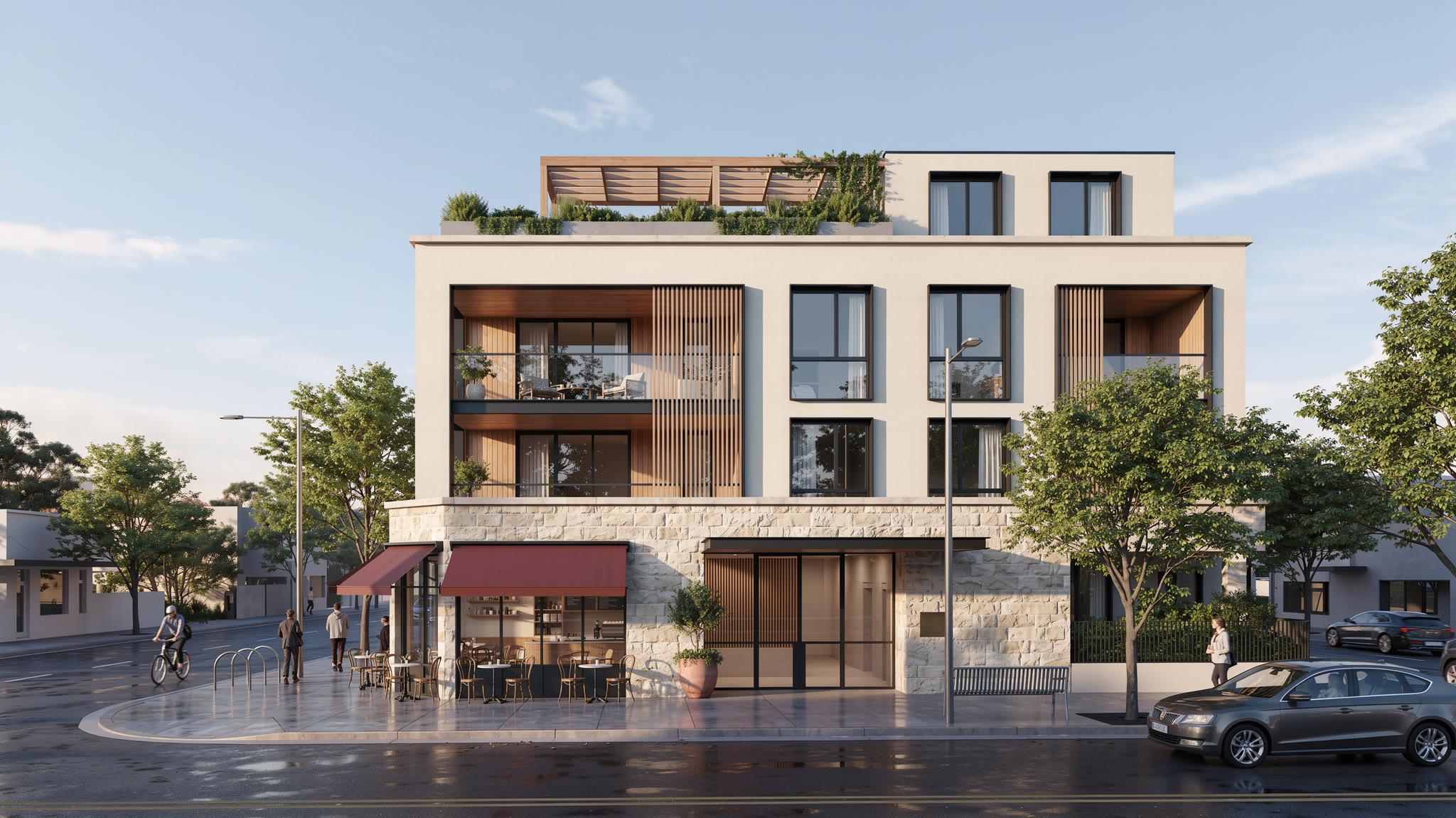
Developers and owner-operators ask ORACA the same question in different words: where do the hours go, and which of them can go first? The answer depends on which business you are in, because the workflow breaks in different places.
The developer: a building that is not finished until it is full
A development goes to market months before it opens. The inquiries that arrive then are the most valuable the project will ever get, and the most often lost, because there is no leasing office yet and the people who could answer are still building. The break is at the front door: a rendering goes out, a campaign runs, and the replies land in a shared inbox that nobody owns.
Automate the inquiry first. Capture every reply from the website, text, email, WhatsApp and campaign forms into one record. Answer in under a minute from the project’s own facts. Gather move-in timing, unit preference and budget. Keep every prospect warm until a viewing is held or they say no. All of that runs today.
Second, trace the campaigns. Meta and Google spend, cost per inquiry, and the source on every lead and viewing, so you see which creative produced viewings rather than clicks. Third, run the lease-up as a desk: stages, what is waiting on whom, stalled alerts. The projects desk runs today for a design practice, and because the stage names come from configuration, a development is a project with different words: pre-sales, construction, occupancy, lease-up, stabilised.
What stays with people, and what is still proposed: group viewings and hard-hat tours are proposed work, drafted investor updates are reviewed before they go, and the handover to operations is a decision your team makes when the building opens.
The owner-operator: a business that runs on interruptions
A management company breaks in the everyday. The inquiry at 9:40 pm. The leak on Sunday. The vendor who did not confirm. The owner who wants a number. None of these is hard on its own; together they consume the week, and the leasing inquiry is the one that pays the price, because it is the only one that can wait quietly and then disappear.
Month end has its own interruption: the owner who wants a number. Inquiries, response times, viewings and open requests come from the morning screen, with every rate’s denominator shown. Rent and occupancy come from your own system of record, never estimated, so the report is one the owner can check against their own statements.
Automate the inquiry first here too, and the viewing with it. Answered in under a minute from your listings, qualified in the prospect’s own words, a viewing offered from the real calendar, reminded and rebooked. Then put the morning screen in front of the person who decides: what needs a decision today, sorted by what it costs to ignore.
The maintenance desk comes after, and it comes with a rule. In the proposed design, flood, gas, fire, carbon monoxide and no heat in winter are recognised first. The resident gets safety instructions and your on-call contact is paged in the same moment; that never waits for an approval. Everything else does. A named person approves before any contractor is contacted, and the approval is logged with their name. A vendor gets a job sheet with a confirmation link, and no reply within the window brings it back to your desk.
What both should leave alone
Rent collection, arrears and occupancy live in your property management system. ORACA reads them where an API or an export allows and never estimates them. Arrears in particular are a person’s conversation, not an automated one; the most the system does is alert your team. The application decision is a person’s. The emergency page is instant and the approval is human, and those two rules do not change with the size of the portfolio.
The order of work, in one list
Phased deployment is the norm. Each phase has to earn the next.
- Discovery and a written baseline
- The leasing desk on one property, live in 21 days from a declared start
- Read-only access to your system of record, granted by your administrator
- The morning screen for the person who decides
- The maintenance desk, once approval roles are in place
- The portfolio view, once there is a portfolio of data to show